Service 03
Business process automation that runs itself.
We connect the software you already use so data moves on its own: leads are routed, follow-ups go out, records stay in sync and reports build themselves.
Signs a process is ready to automate
The best candidates are easy to spot once you look for them:
- People copy the same information from one system into another.
- Follow-ups, reminders or hand-offs depend on someone remembering them.
- A report takes hours to assemble every week or month.
- Mistakes happen at the same step again and again.
- Work piles up whenever a key person is away.
If a task is repetitive, rule-based and frequent, automating it usually pays back quickly. Just as important, it frees people for the work that needs judgment, which is usually the work they wanted to do in the first place.
Workflows we automate
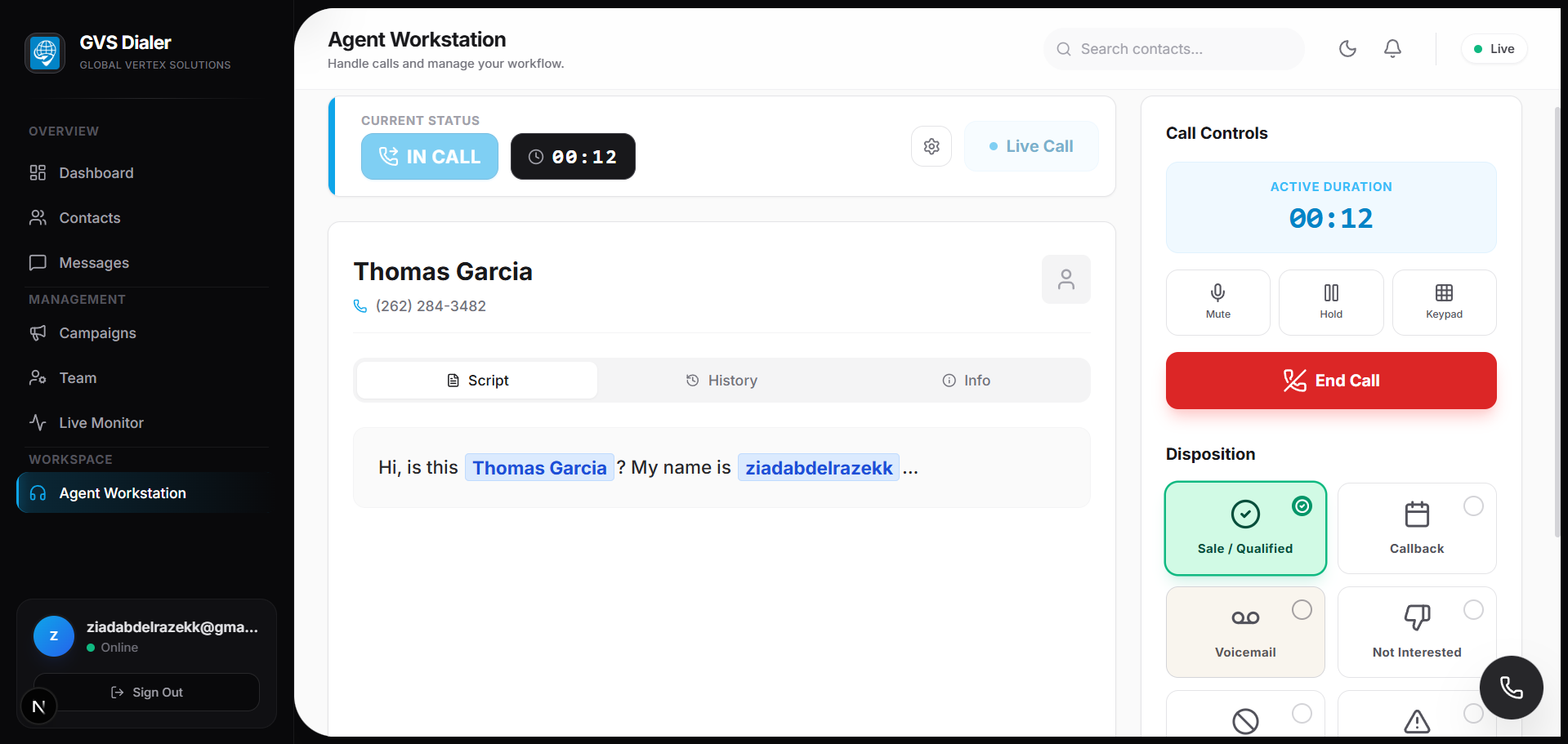
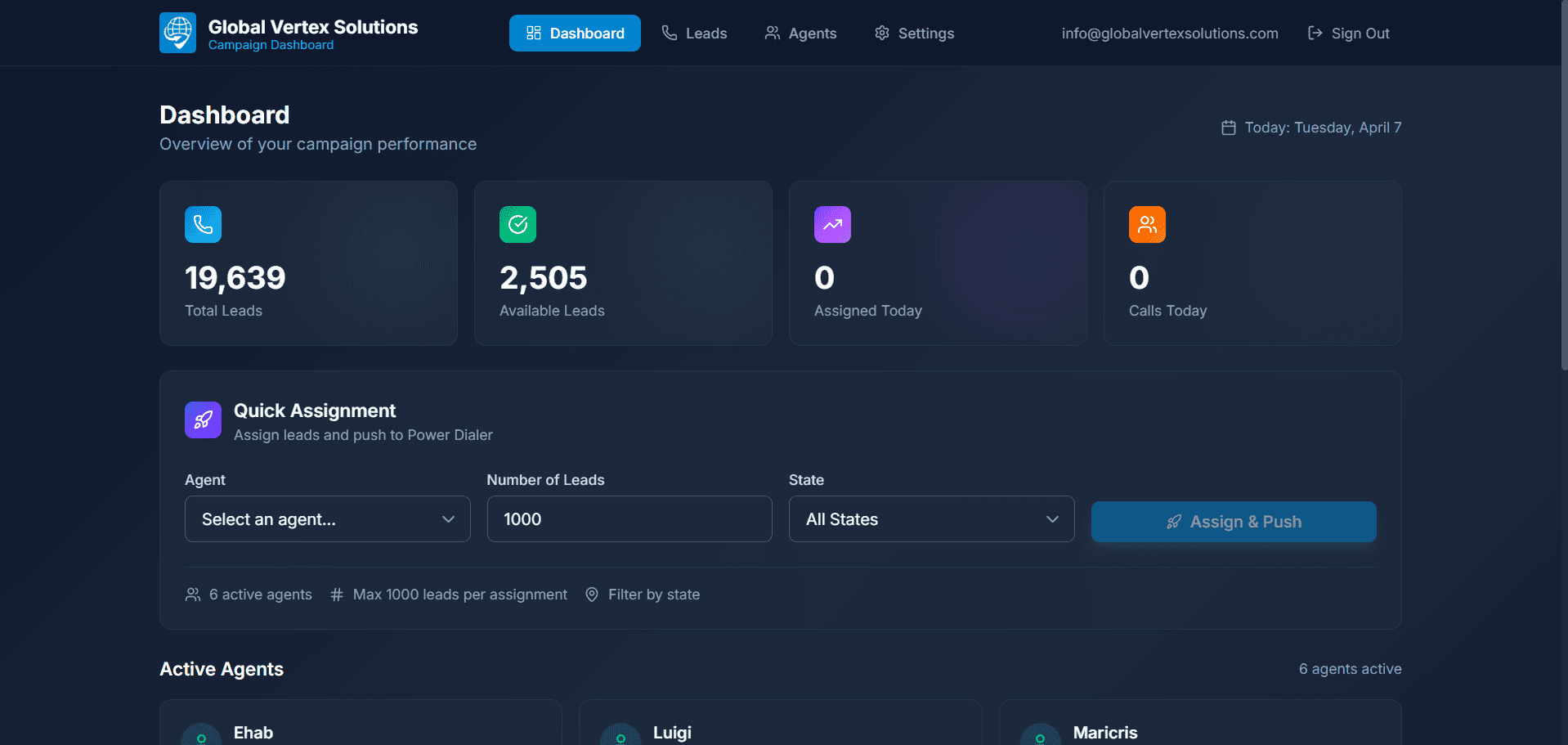
For sales teams we automate dialing, lead assignment and follow-ups. A custom dialer and CRM we built replaced three separate SaaS tools, lifted connect rates by 45% and gave every rep back 2.5 hours a day. Another CRM with Aircall integration logs every call and recording automatically, which eliminated manual data-entry errors.
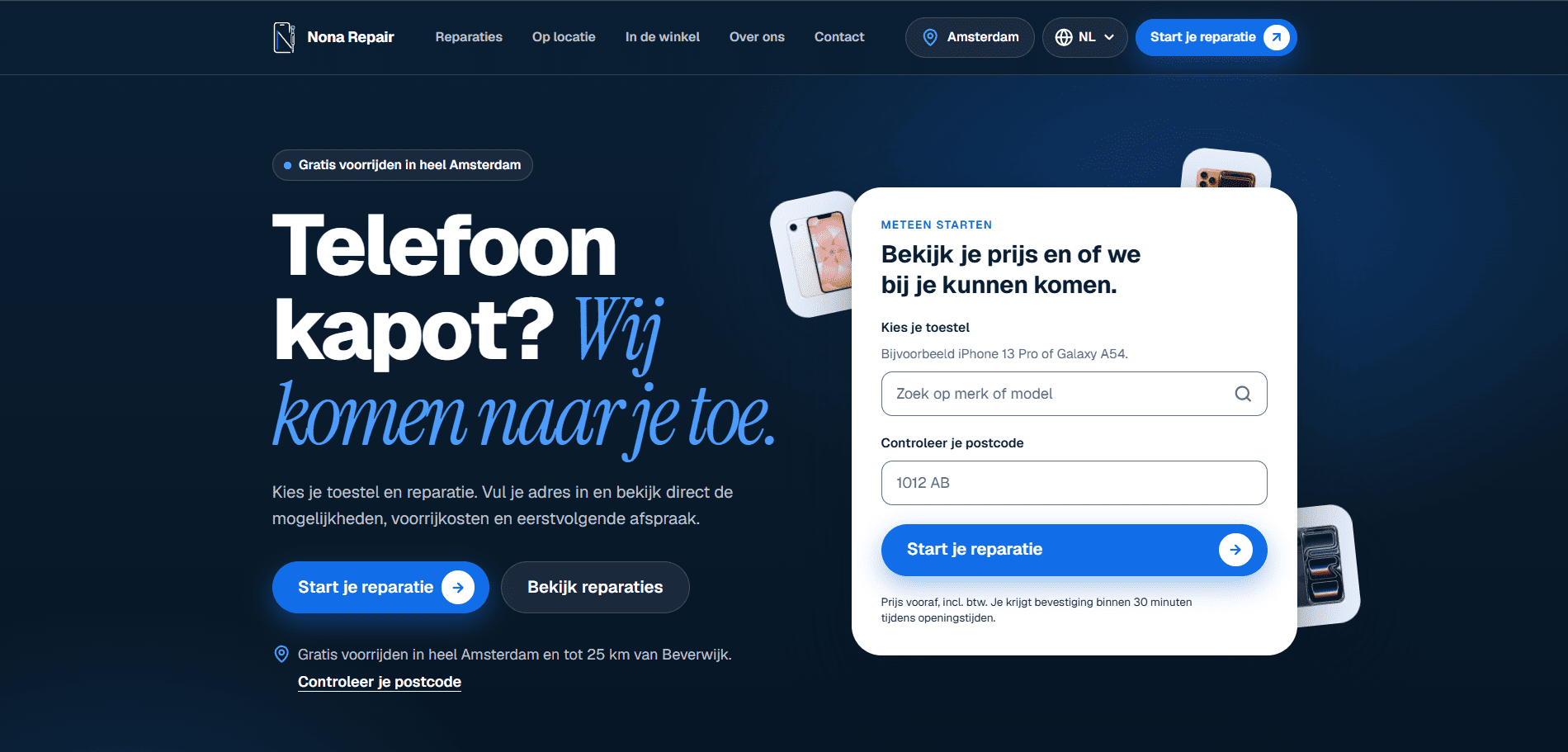
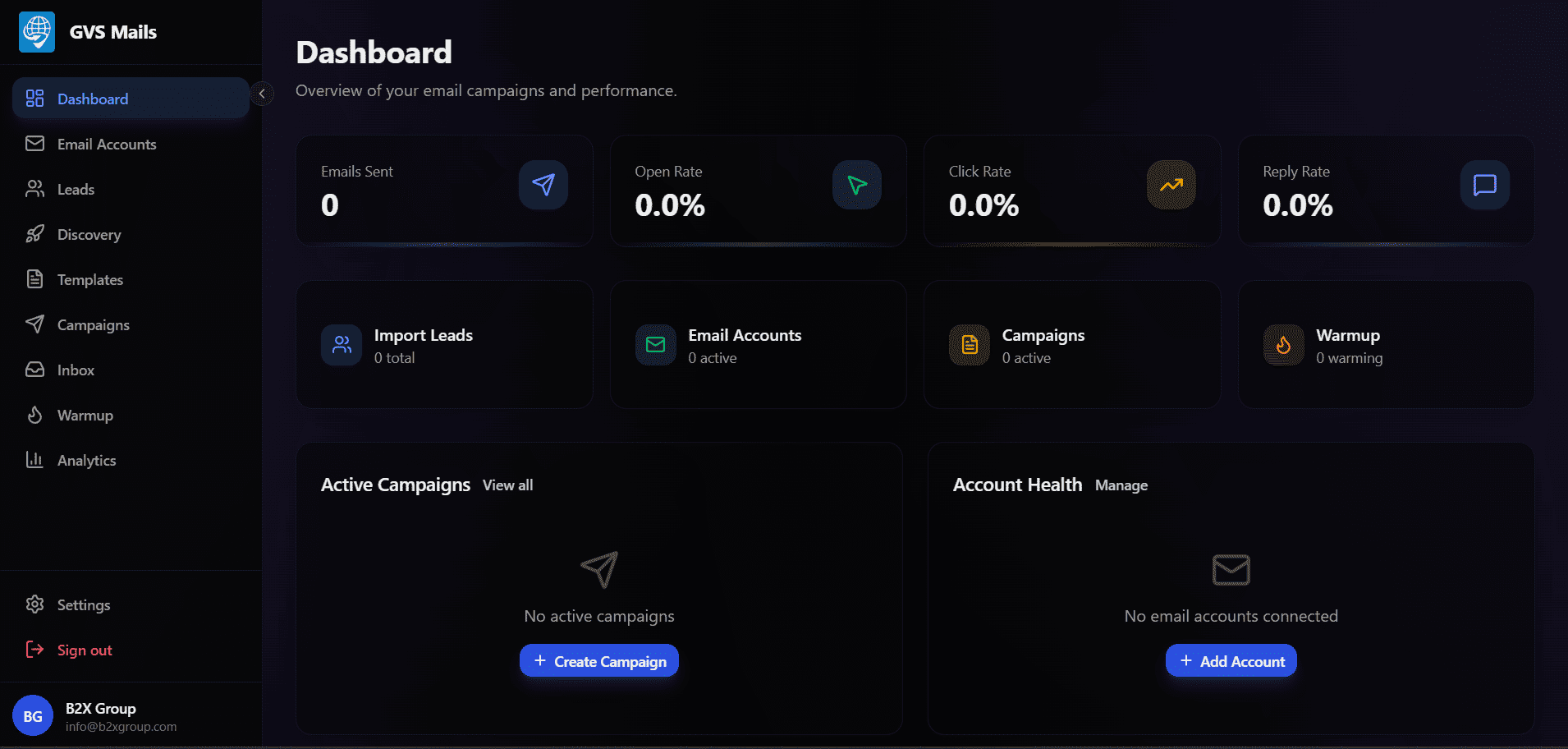
For marketing, our cold email engine personalizes and schedules outreach at scale while protecting deliverability. In operations, booking, scheduling and approval flows move work between customers, staff and back-office systems without anyone chasing it, as in the Nona Repair platform, where online appointments land directly in the team's admin panel.
Finance and HR workflows follow the same pattern: invoices, expense approvals, onboarding checklists and payroll inputs that currently travel by email and spreadsheet can move through a tracked, automated flow instead. Customer-facing steps get the same treatment: confirmations, reminders and status updates go out at the right moment, so customers are never left wondering what happens next.
Integrate, don't replace
Automation should fit around the tools your team already knows. We connect systems through their APIs wherever possible, which is fast, reliable and easy to maintain. Where an older system has no API, we bridge it with careful data syncs or, as a last resort, robotic process automation that works through its interface.
The result is one connected flow instead of several disconnected tools, without asking anyone to change how they work more than they need to. Training is minimal, because most people simply notice that the tedious parts of their day have gone. We document every connection too: what it moves, how often and who owns it, so the picture stays clear as the number of automations grows.
Designing for failure
Every automation eventually meets an unexpected input: a missing field, a service that is down, a duplicate record. We design for that from the start:
- Retries and queues, so a temporary outage delays work instead of losing it.
- Alerts that reach a person when something needs a decision.
- An audit trail showing what ran, when and with what data.
- Clear ownership, so everyone knows who fixes what.
Well-built automation is also easy to change. Business rules live in one clearly documented place rather than scattered across scripts, so when a price list, an approval limit or a routing rule changes, updating the workflow is a small, safe edit rather than an investigation.
Start small, then compound
The first automation should be small enough to ship in weeks and valuable enough that people notice. Each one after it gets cheaper, because the connections to your CRM, inbox or accounting system are already in place and tested. Over a year, a series of modest automations adds up to a business that runs noticeably lighter, without a risky big-bang project.
Measuring the payoff
We agree the numbers that matter before we build (hours saved, errors avoided, response times, conversion) and measure them after launch. Automation often pairs with AI integration for tasks that involve reading or writing, and with data analytics to show exactly what changed. Tell us which process slows you down.
Case studies
Process Automation, in practice.
FAQ
Frequently asked questions.
Common questions about our Process Automation service.
Start where repetitive work, frequency and pain overlap: a task done many times a week, by hand, that causes delays or errors. We map candidates during discovery and pick the one with the clearest payback, so the first project proves its value quickly.
Usually not. We connect the tools you already use through their APIs and only suggest replacing something when it truly blocks the workflow. Your team keeps working in familiar systems while the busywork between them disappears. Where a tool genuinely holds you back, as three disconnected SaaS tools did for one sales team, we explain the trade-offs and costs before recommending a change.
It is designed to fail safely. Failed steps are retried or queued, a person is alerted when a decision is needed, and every run is logged so problems can be traced and fixed quickly. Nothing is silently dropped, and you can see the state of every workflow at a glance.
Yes, although it takes more care. We look first for export and import options or database-level integration, and use robotic process automation through the interface only when there is no better route, with extra monitoring because interfaces change. We also ask the vendor first, because many older systems have integration options that are simply undocumented.
We baseline the process before we start: time per task, volume, error rate and delays. After launch we track the same numbers, so the return is measured, not estimated, and you can decide what to automate next. Time saved is often only part of the value: fewer errors and faster responses to customers can matter more.
Still have a question? Email us
More services
Everything else we build.
- 01 AI Integration Foundation models and ML pipelines built into the tools you already use.
- 02 Custom Platforms Web, mobile and SaaS products shaped around how your business works.
- 04 Data Analytics Pipelines and dashboards that turn raw data into decisions.
- 05 System Architecture Cloud infrastructure that stays fast and available as you grow.
Let’s talk
Have a project in mind?
Tell us what you’re building. The first consultation is free.
Prefer email?info@b2xgroup.com